 Concierge Agent
Your inbox, sorted, with a reply ready
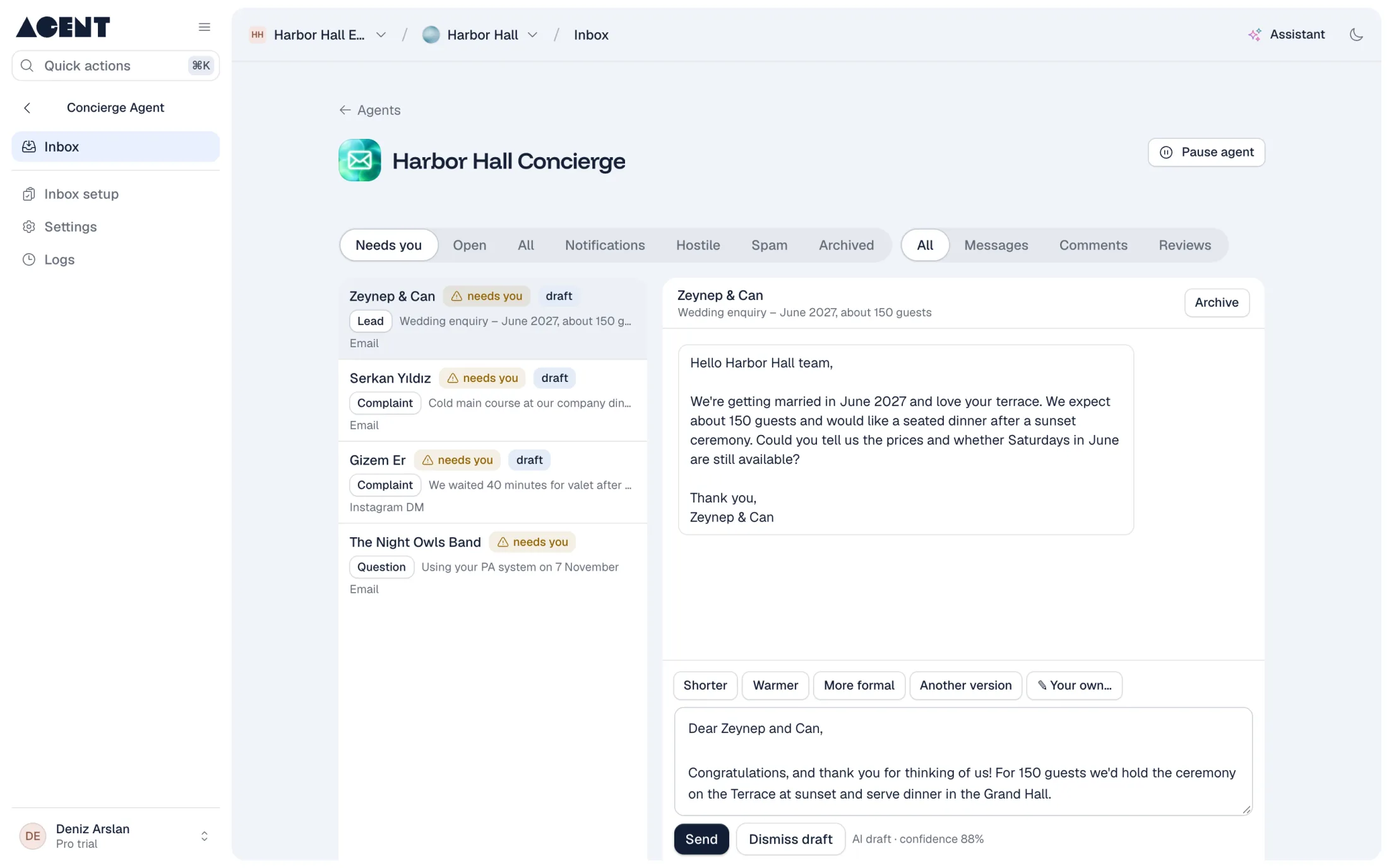
The Concierge Agent reads your Gmail and Instagram messages, sorts each one, and writes a draft reply in your voice. You check it and send.
Inbox triage and replies in your voice
What changes
Before
Important messages hide between newsletters and spam.
After
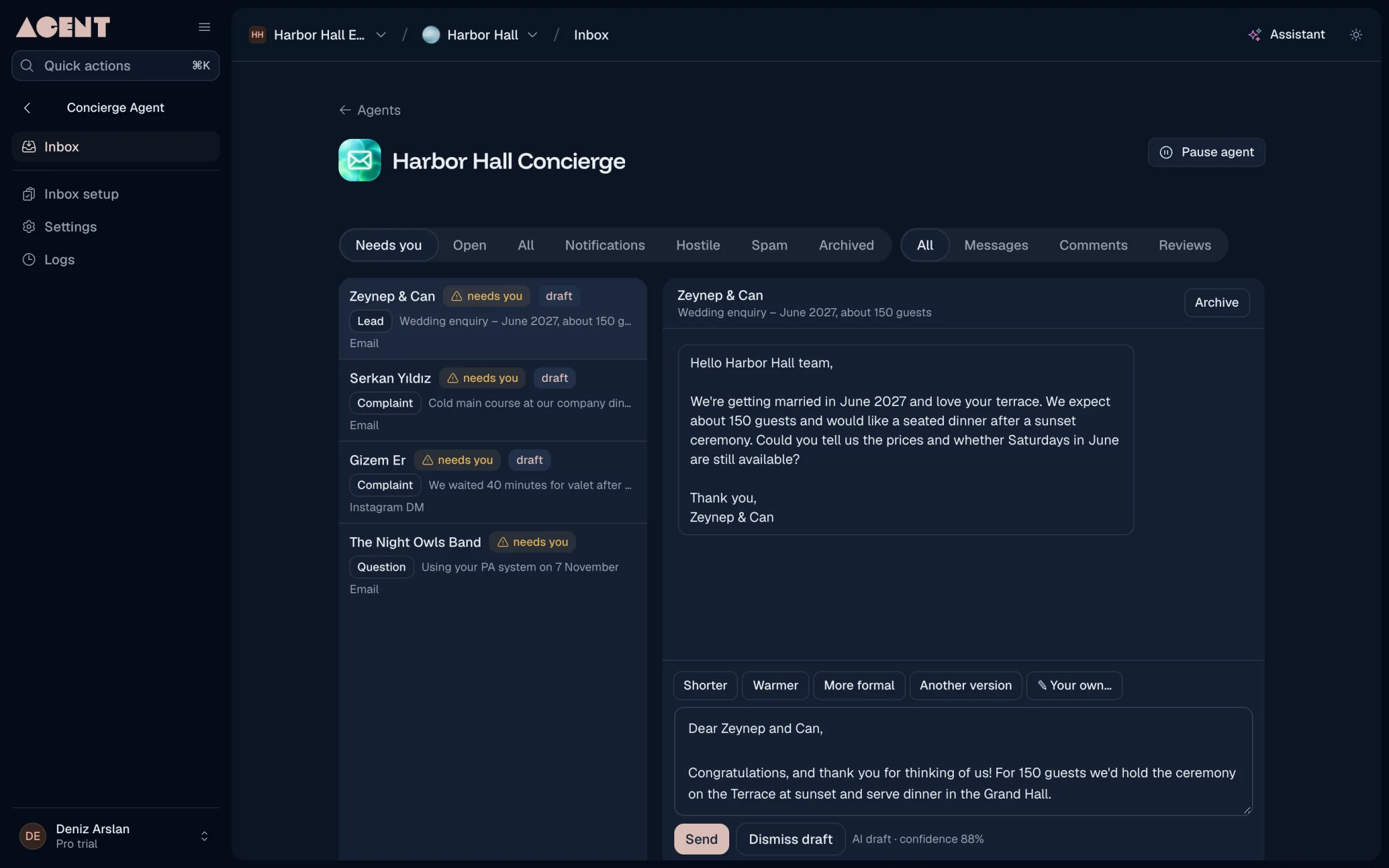
Leads and complaints go to the top, and spam is set aside.
Before
You write the same answers again and again.
After
A draft is ready for every message that needs a reply.
Before
Email and Instagram messages live in two places.
After
Both arrive in one inbox.
Gmail and Instagram in one inbox
Connect your Gmail account and your Instagram business account. Messages from both arrive in one list, grouped by conversation.
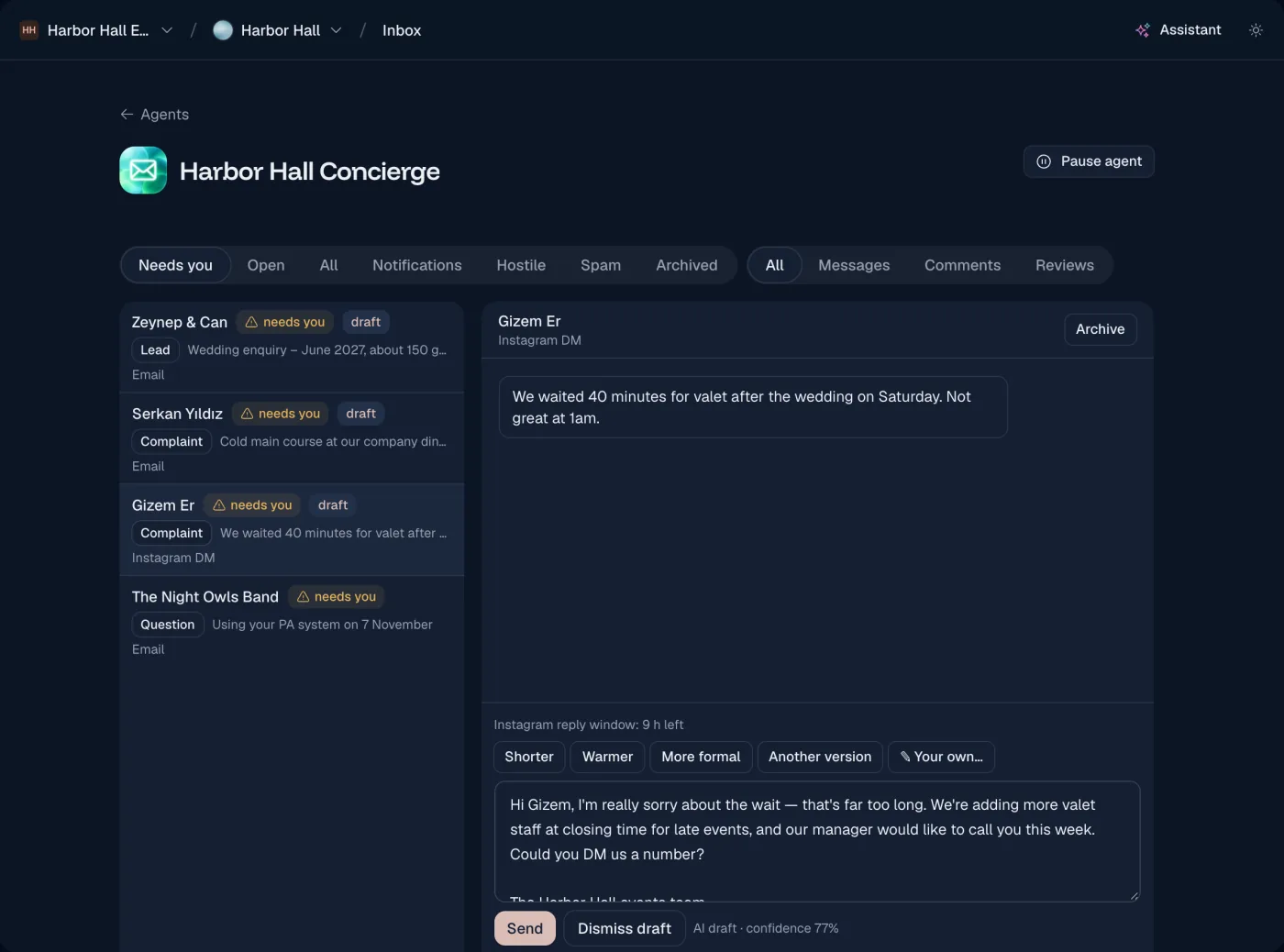
Every message sorted
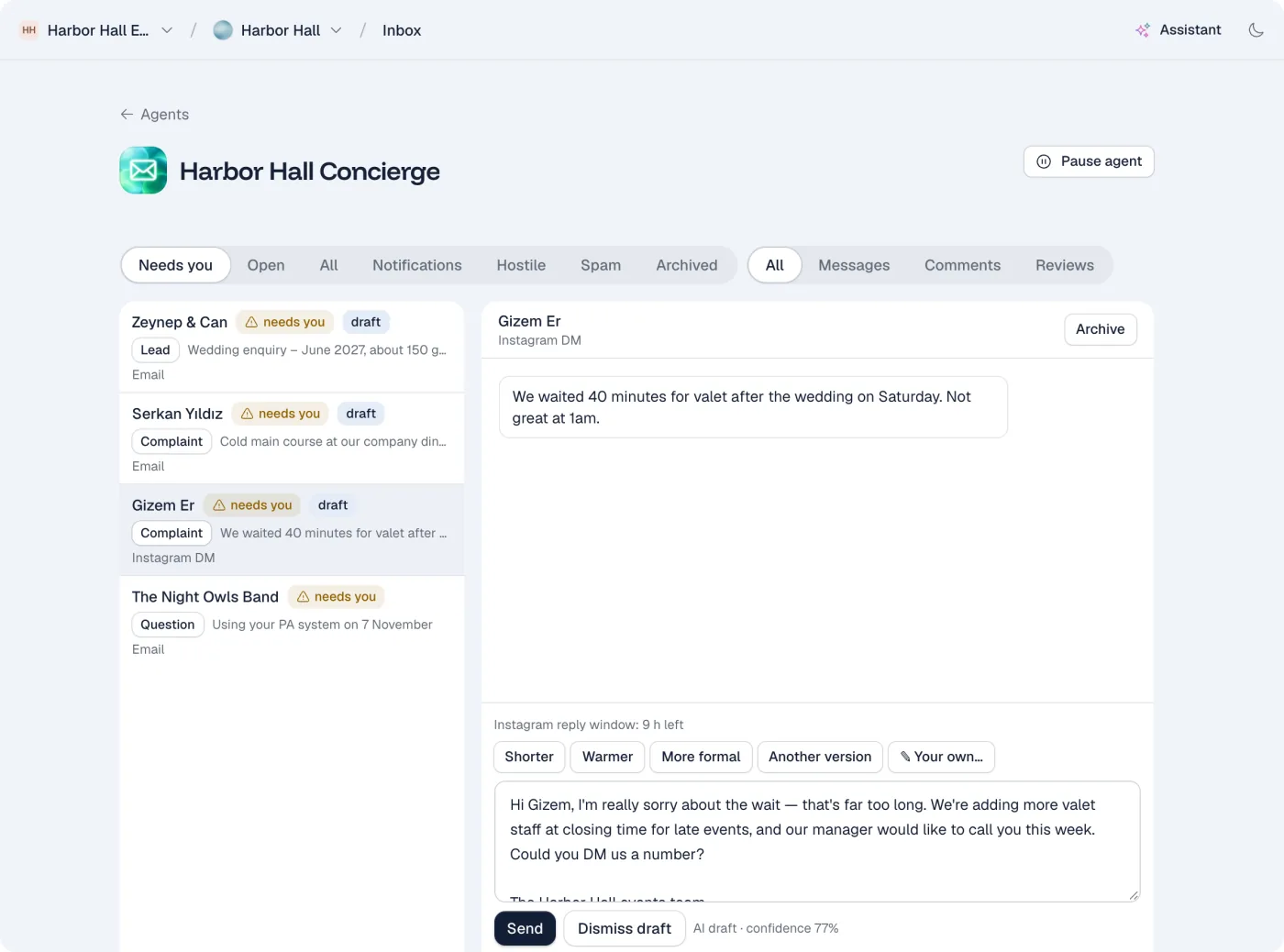
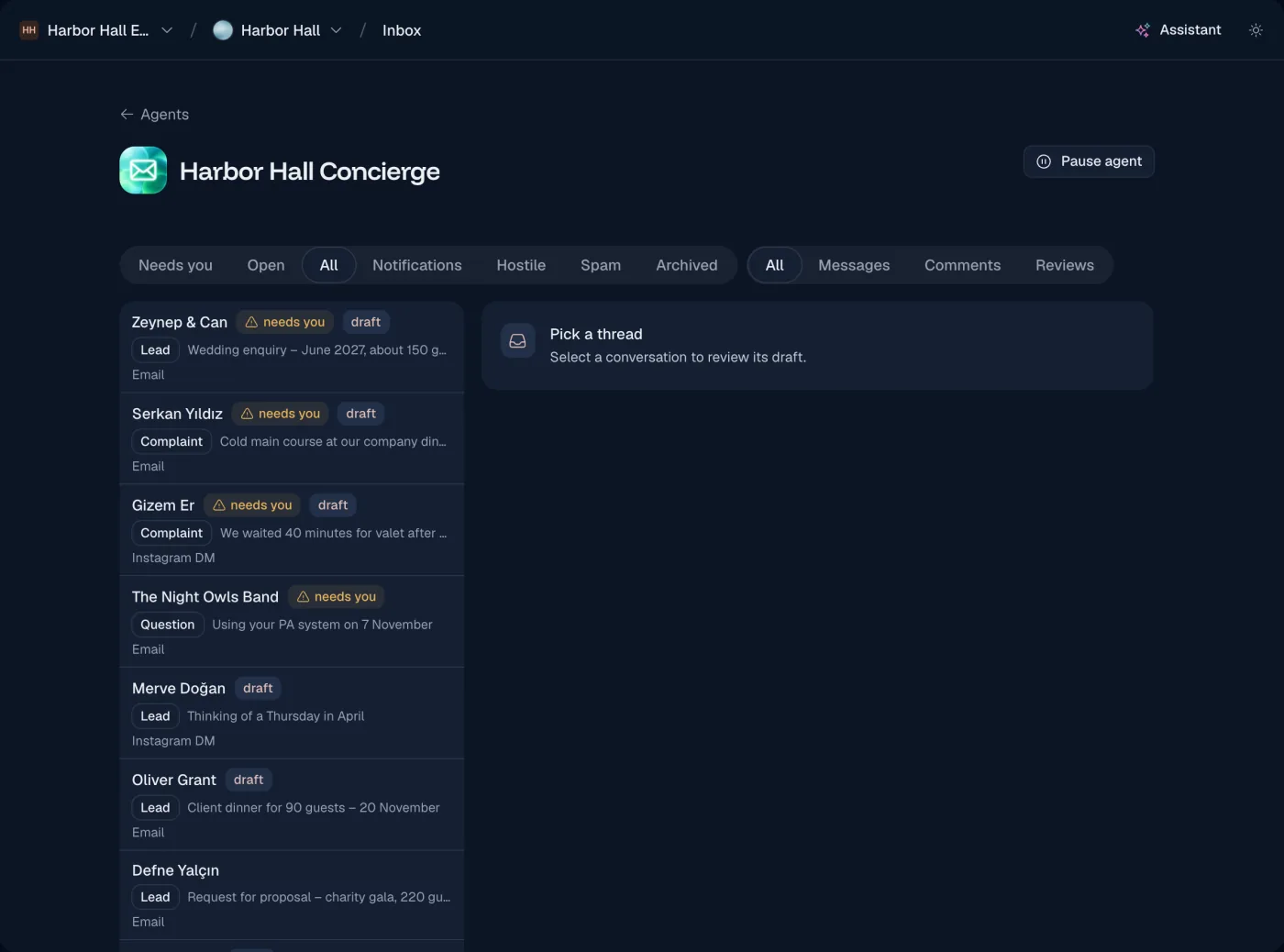
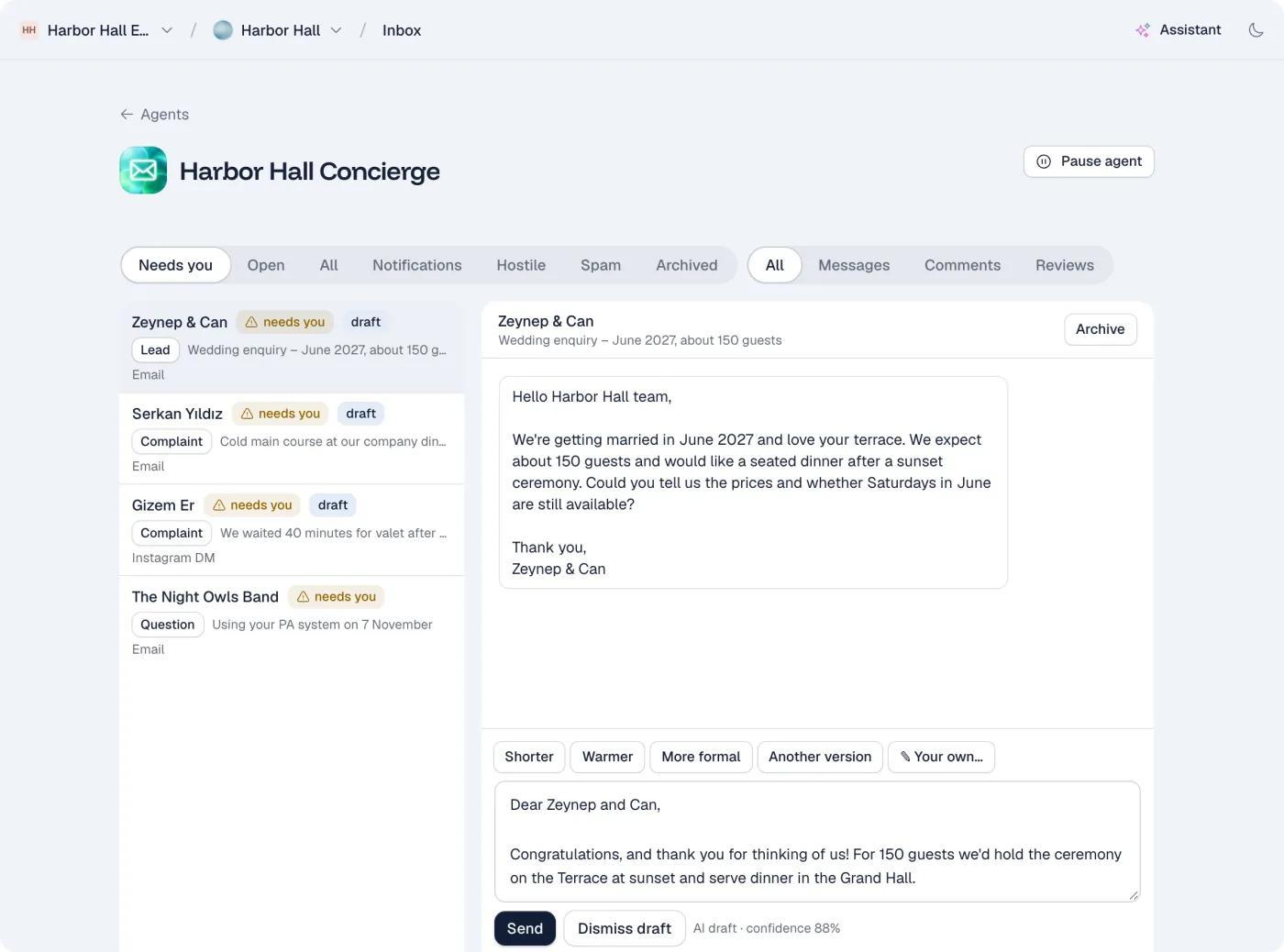
Each message is sorted into one of eight types, such as question, lead, complaint, notification or spam. Leads and complaints go to the top.
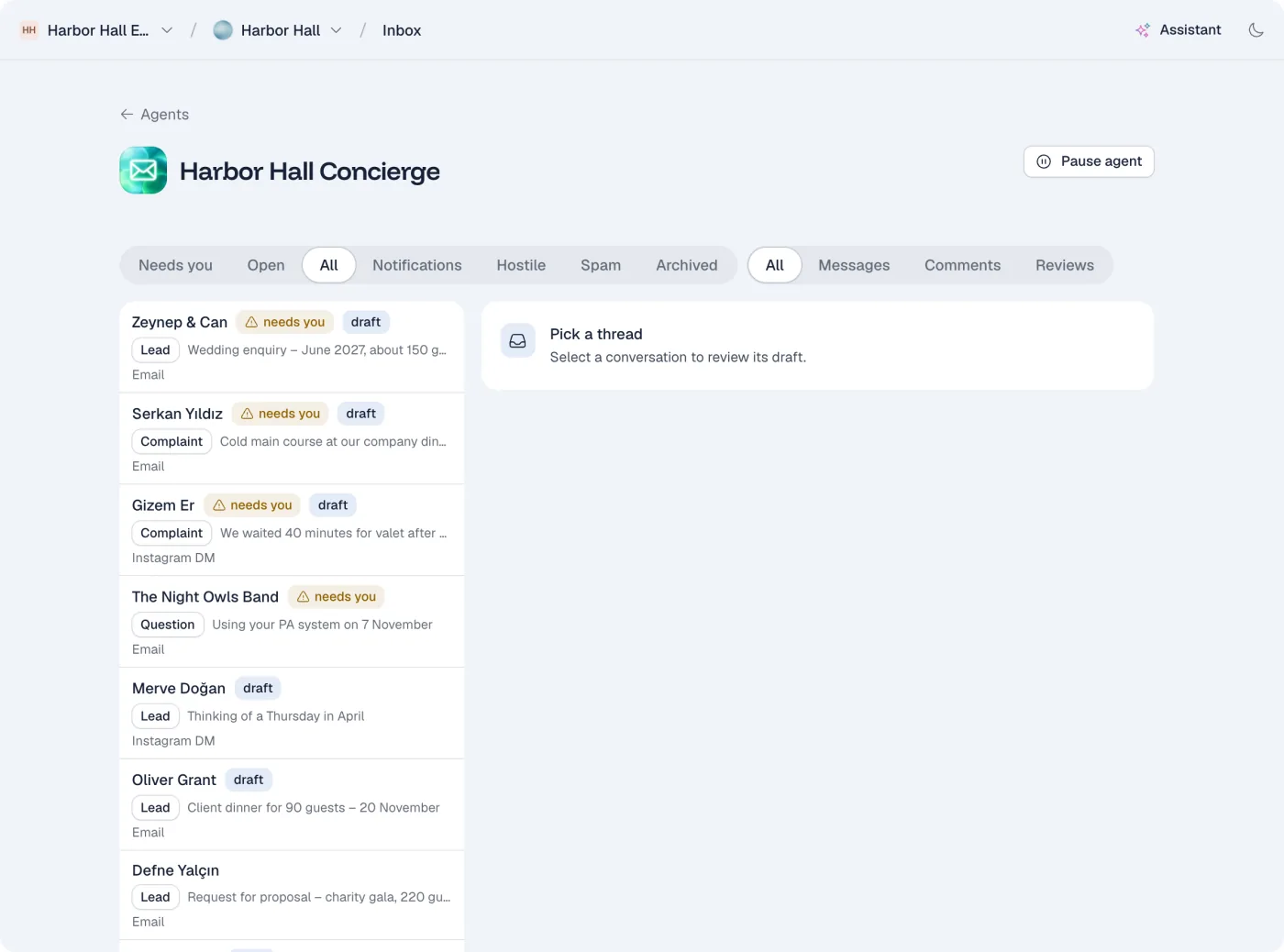
Drafts in your voice
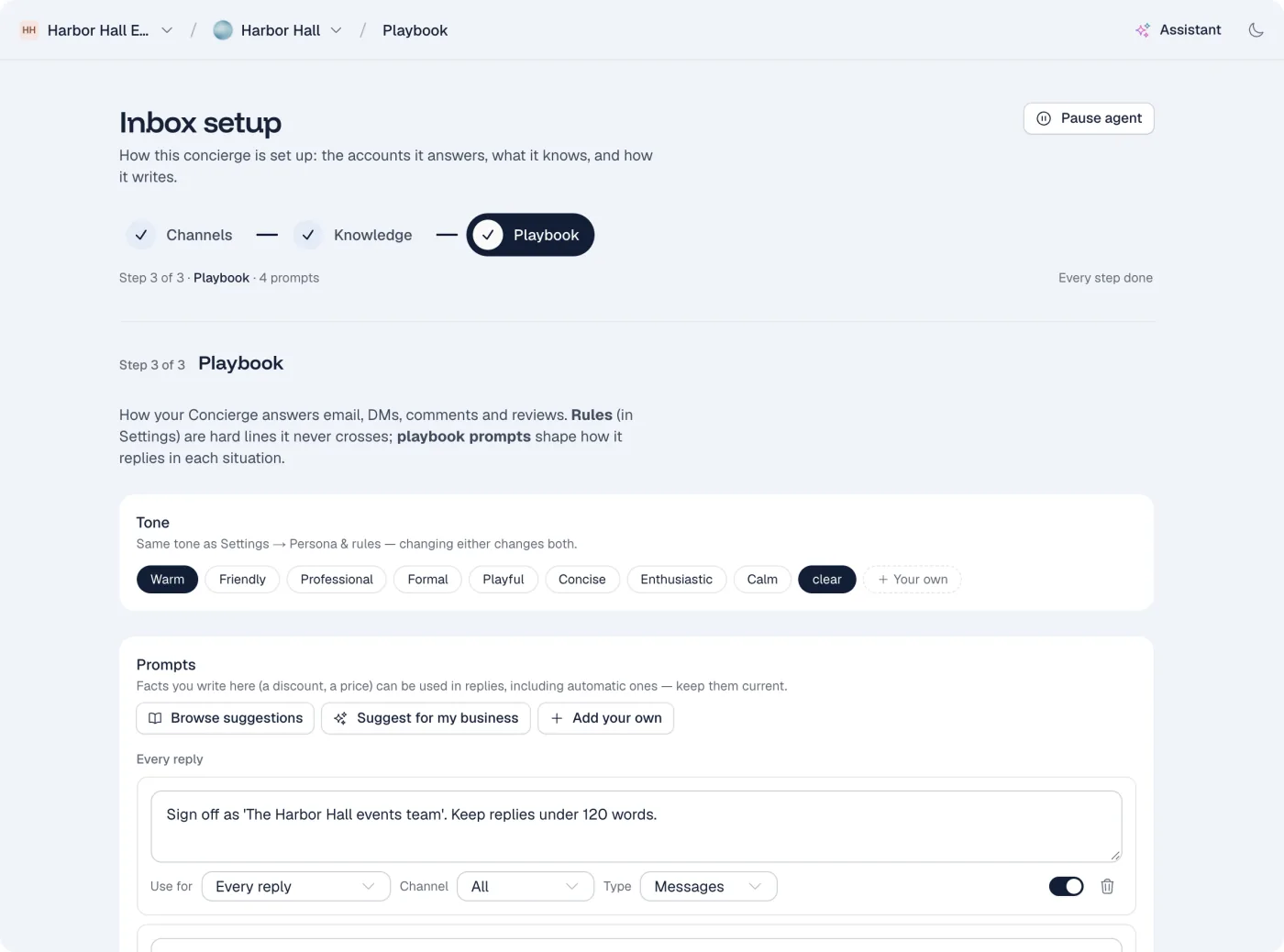
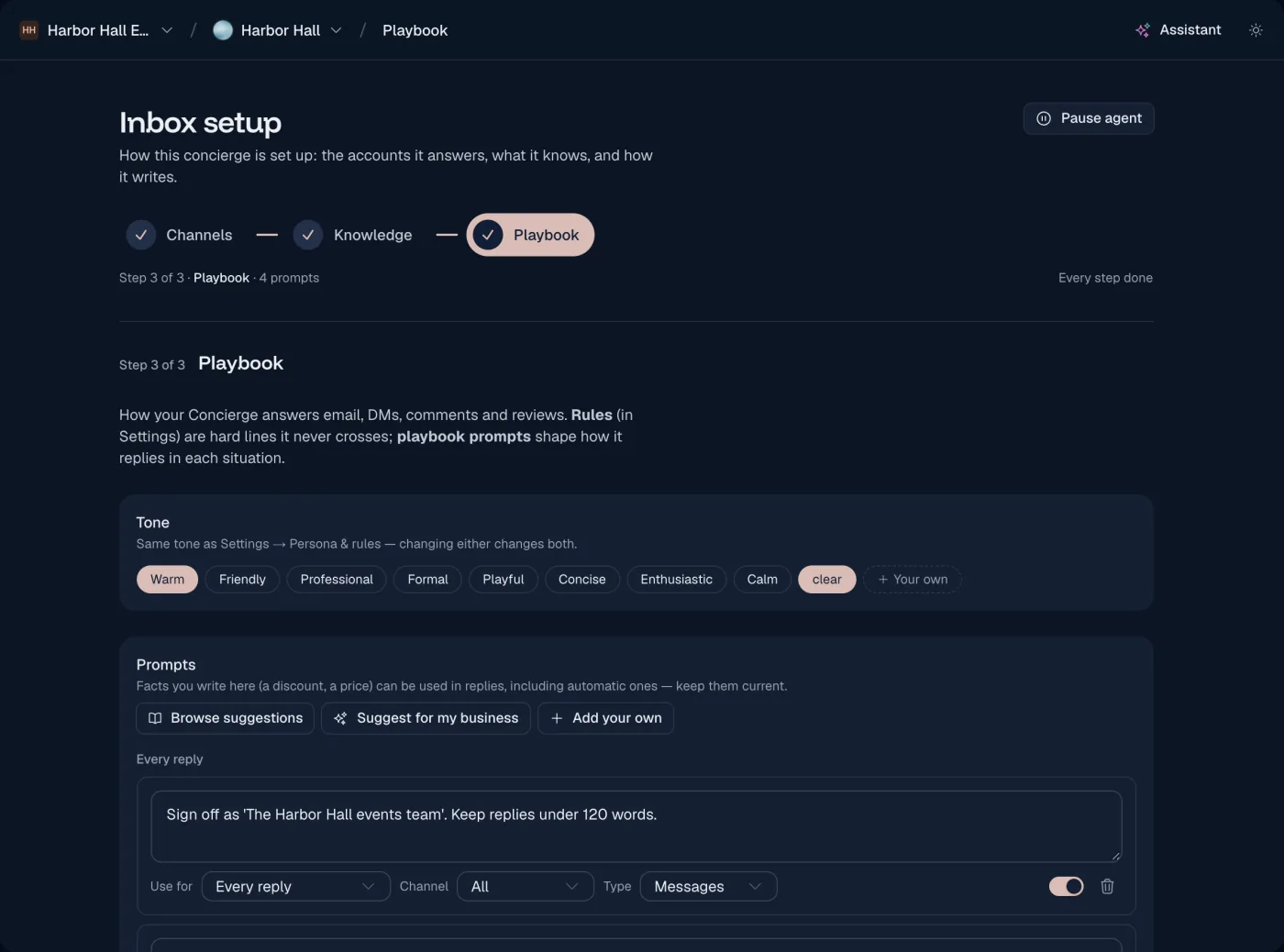
Write a short playbook: your tone, and how to handle each situation. The agent follows it and takes the facts from your knowledge. Each draft shows which playbook rules it followed.
You decide what is sent
By default, every draft waits for you. You can let routine replies send on their own. They go out only when the agent is confident, and an answer to a question must also be backed by your knowledge.
From new message to sent reply
What happens when a customer writes to you.
Step 1
A message arrives
A customer asks about your prices by email.
Step 2
It is sorted
The agent marks it as a question and puts it in your inbox.
Step 3
A draft is ready
It writes a reply in your tone, with the prices from your price list.
Step 4
You send it
Read it, change it if you want, and send. Or ask for another version.
Where it works
Where the Concierge Agent reads and replies.
- Gmail
- Instagram direct messages
You stay in charge
Drafts wait for you
Nothing is sent without your approval, unless you allow it.
Strict auto-send rules
A reply sends on its own only when the agent is confident. An answer to a question must also be backed by your knowledge.
Leads and complaints stay with you
These message types never send on their own.
Works with the other agents
All three agents share your knowledge, so they give the same answers.
Live support and triage

Chat Agent
Answers questions on your website and WhatsApp, day and night. It captures leads, books meetings, and hands the chat to you when a person should reply.
Explore the Chat AgentStrategy, post planner and creative studio

Marketing Agent
Plans a month of social posts around your goals. It writes each post, makes an image in your brand style when you ask, and publishes what you approve.
Explore the Marketing Agent
Questions about the Concierge Agent
Which inboxes can I connect?
Gmail and Instagram direct messages.
Will it send emails without asking me?
Not unless you turn it on. Auto-send is off by default, and you choose which message types may use it.
How does it learn my tone?
You set a tone and write short rules for each situation in the playbook. You can test a change on a real message before you save it.
Can I change a draft?
Yes. Edit it, or ask for a new version: shorter, warmer, more formal, or with your own instruction.
What happens to spam?
Spam, notifications and hostile messages are sorted out and get no draft.
14-day free trial
Let the Concierge Agent clear your inbox
Every plan starts with a 14-day free trial. Cancel at any time.
Start free trial