
 Chat Agent
Answer every customer, even after hours
The Chat Agent answers questions on your website and WhatsApp from your own knowledge. It collects leads, books meetings, and hands the conversation to your team when a person should reply.
Live support and triage
What changes
Before
Questions arrive at night and wait until morning.
After
Customers get an answer in seconds, at any hour.
Before
Your team answers the same questions every day.
After
The agent answers the routine questions, so your team has time for the harder ones.
Before
Interested visitors leave before anyone replies.
After
The agent asks the right questions, saves the lead, and books a meeting.
Answers from your own knowledge
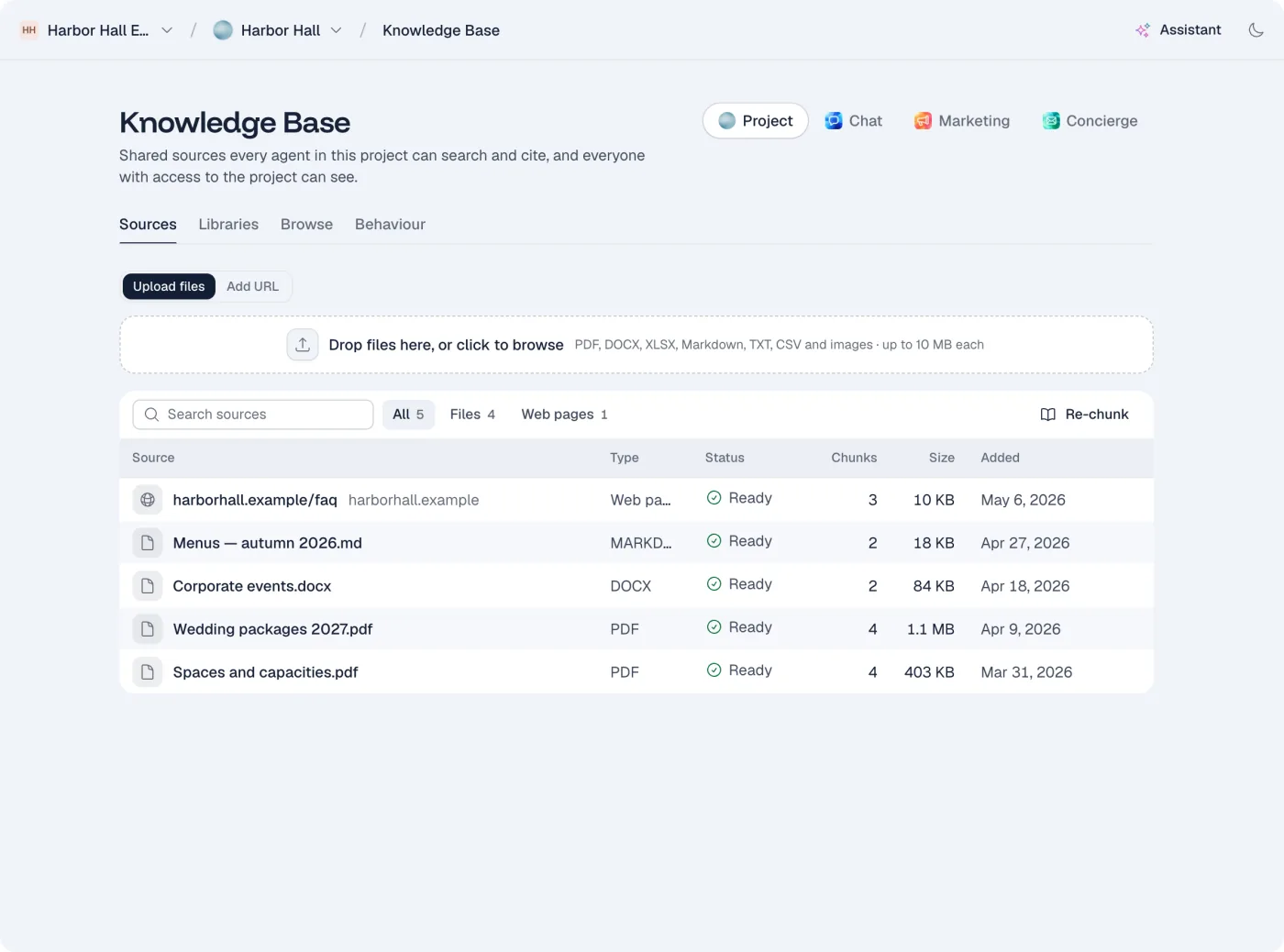
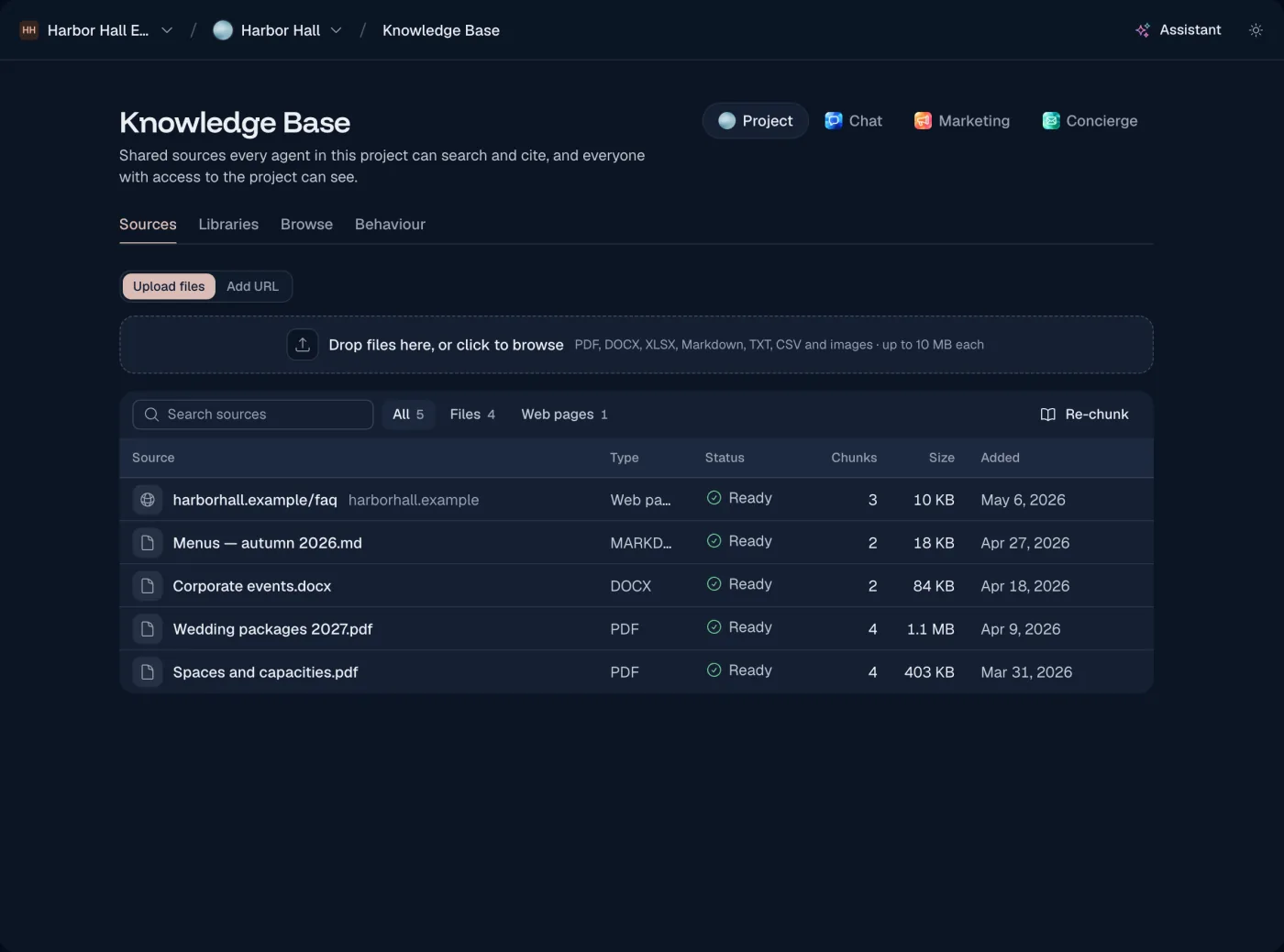
The agent searches your website, documents and price lists before it answers. Each answer shows the source it came from, so you can check it.
Take over when it matters
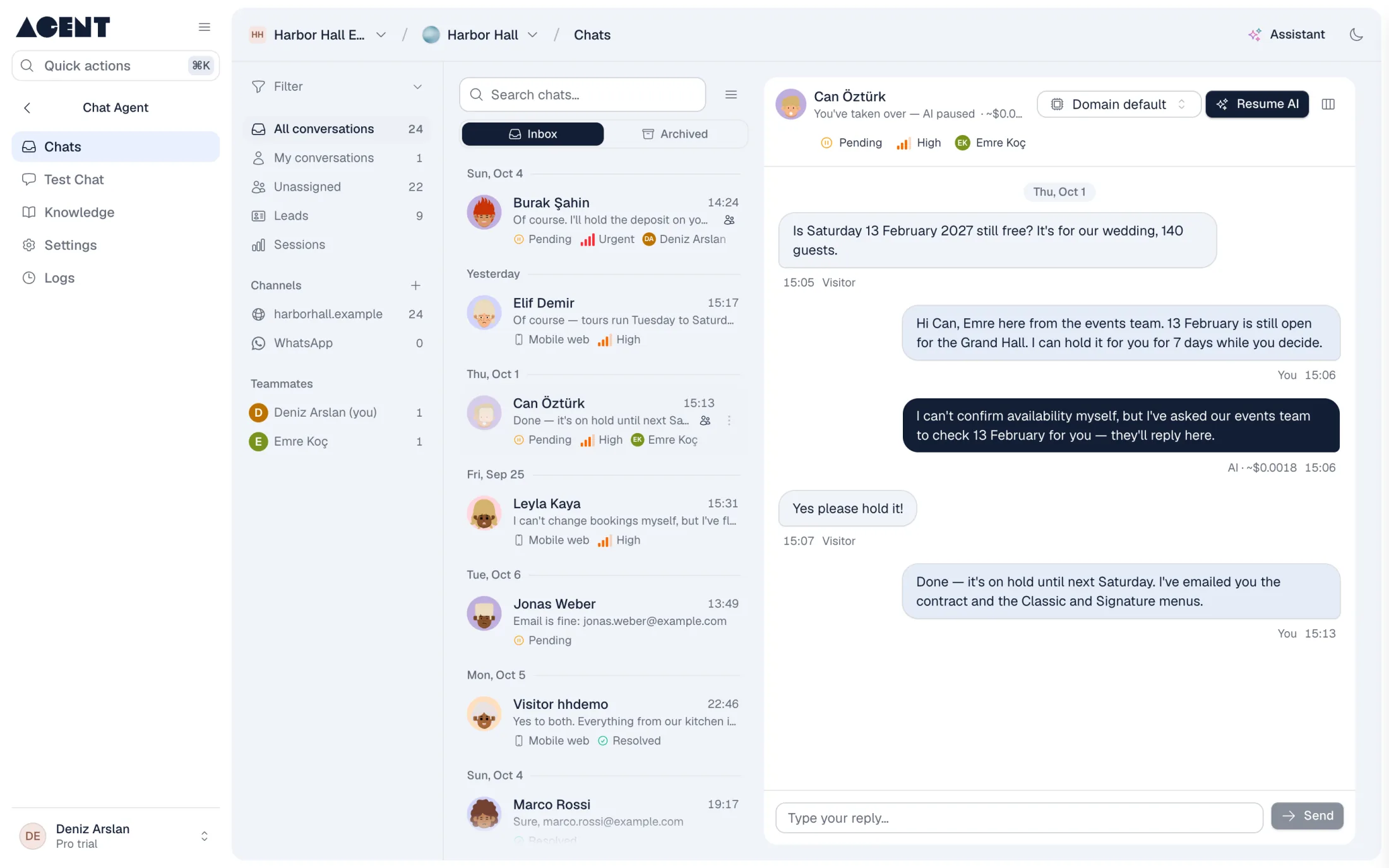
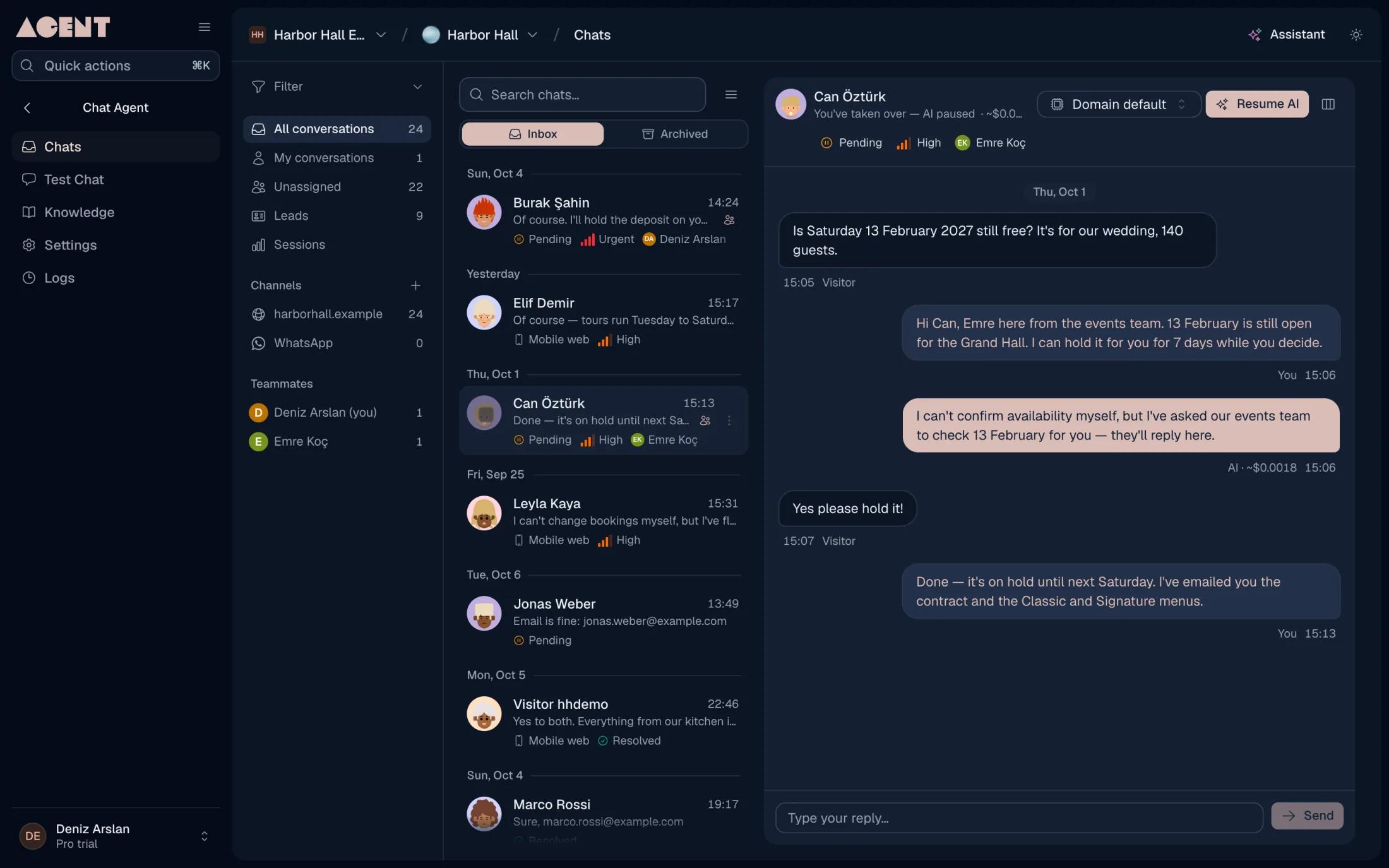
Watch conversations as they happen. Turn the AI off in any chat, reply yourself, and hand it back when you are done.
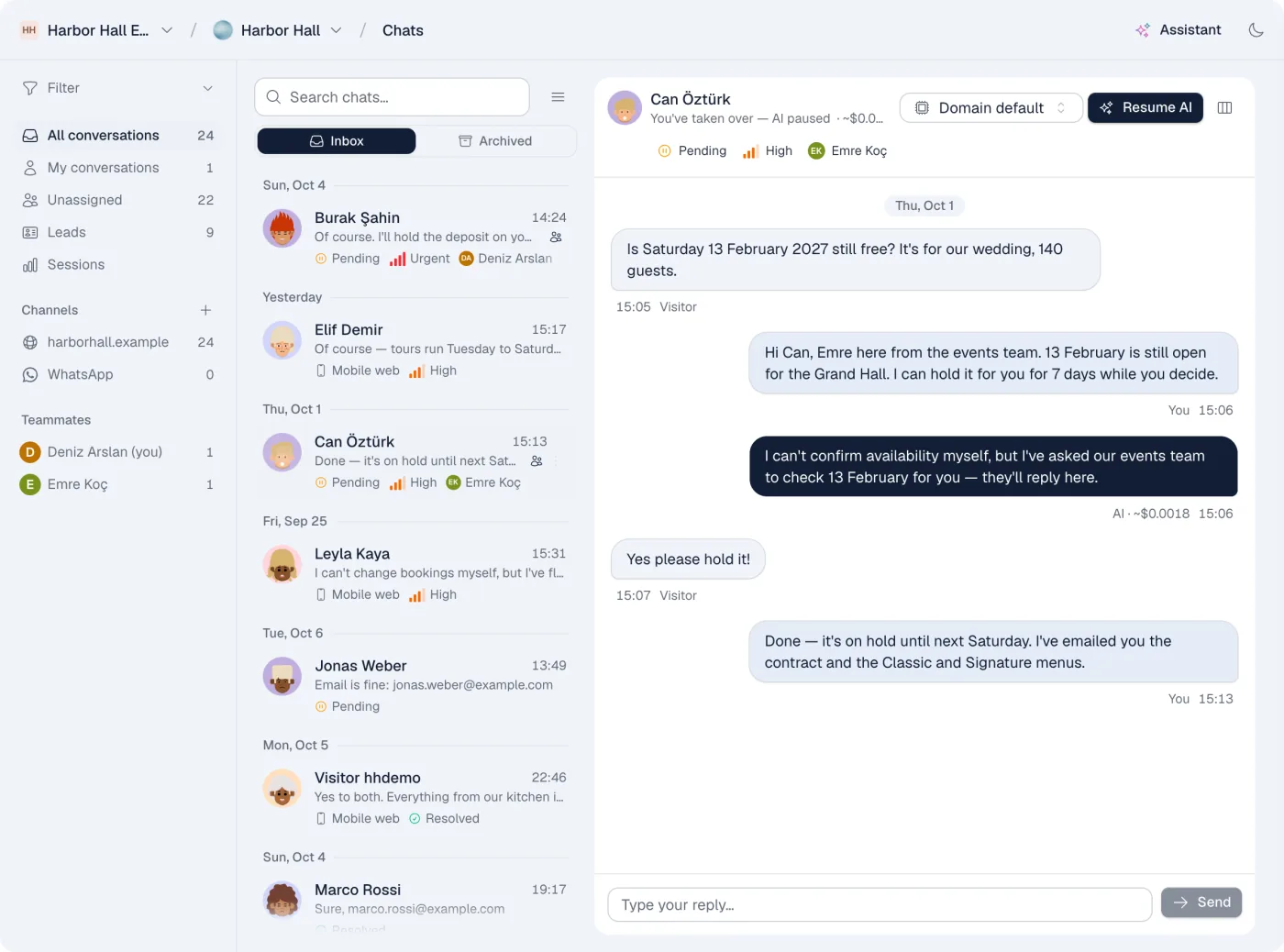
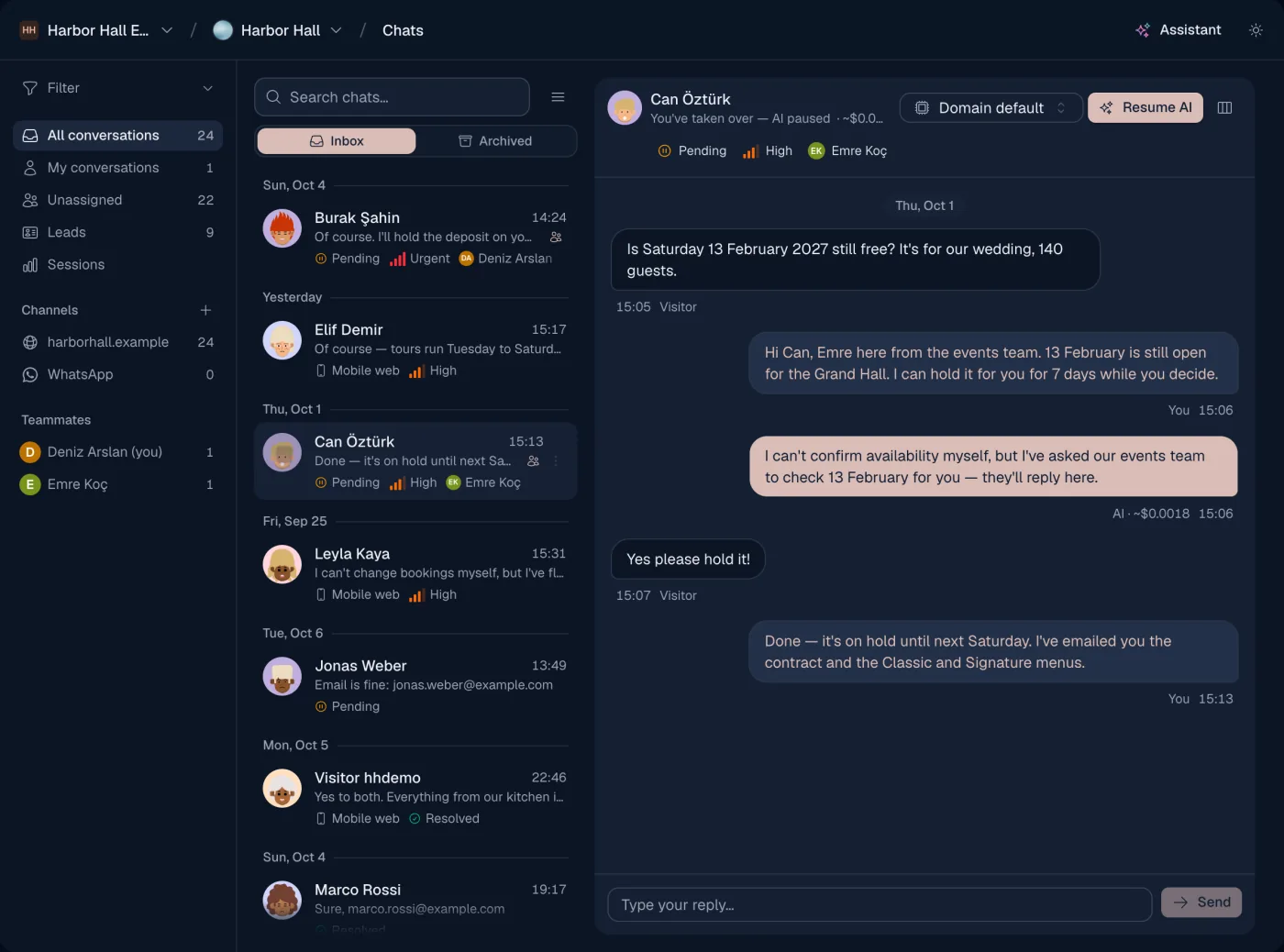
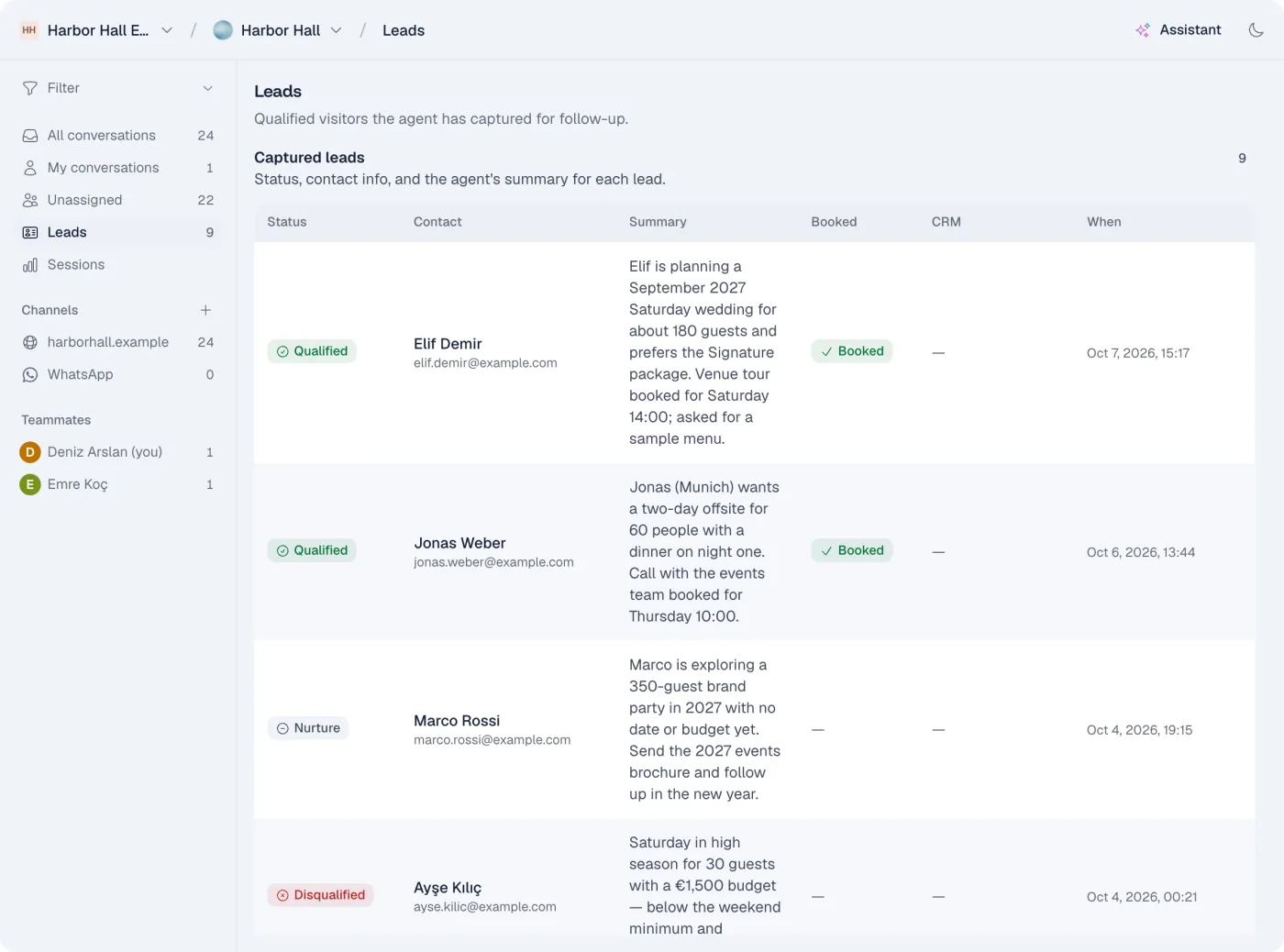
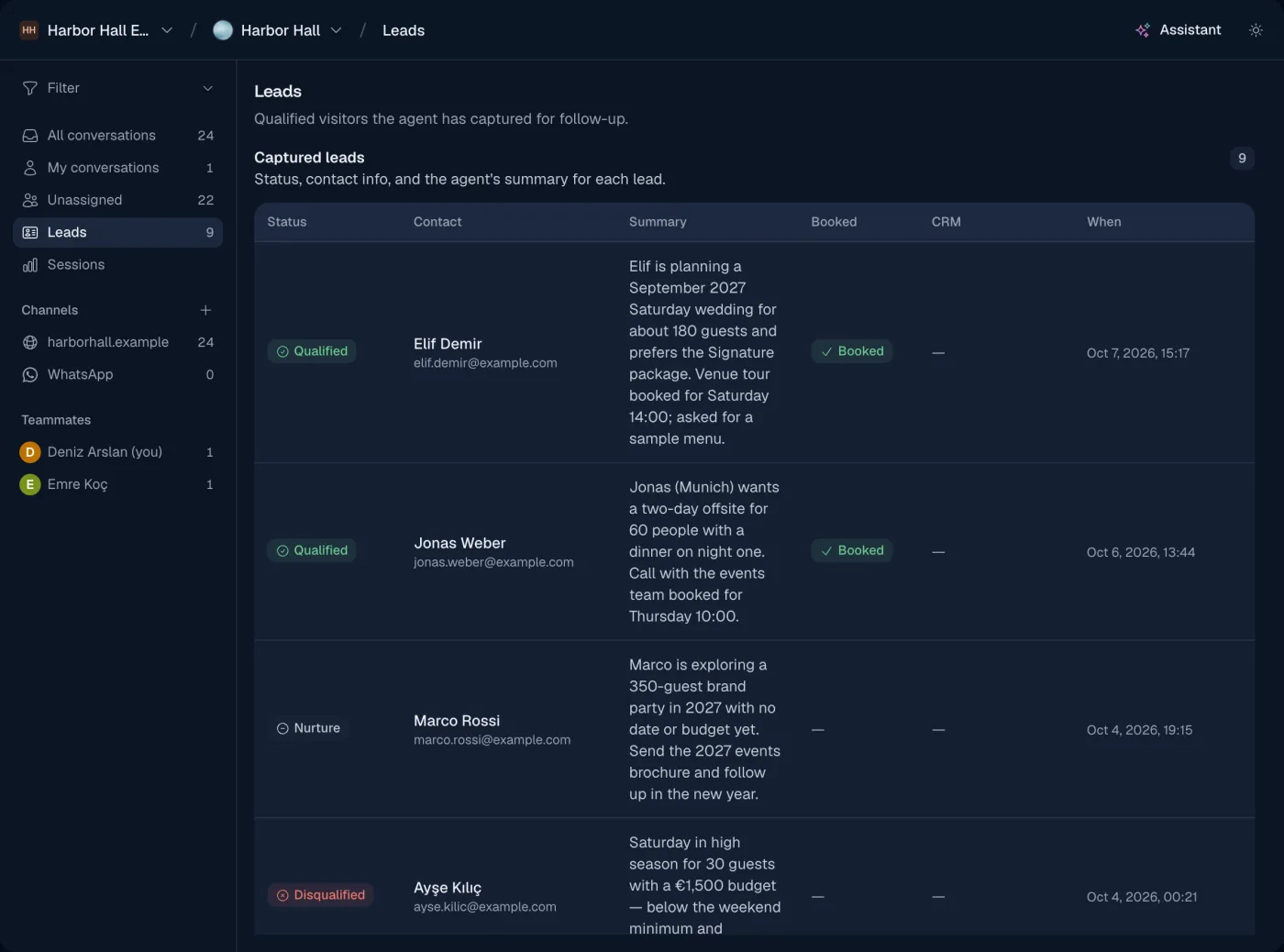
It saves leads and books meetings
The agent asks for the details you need, rates the lead, and saves it. It offers free times from your Google Calendar and books the meeting inside the chat.
On your website and on WhatsApp
Add the chat to your site with one snippet and match it to your brand. Connect your WhatsApp Business number to answer there too.
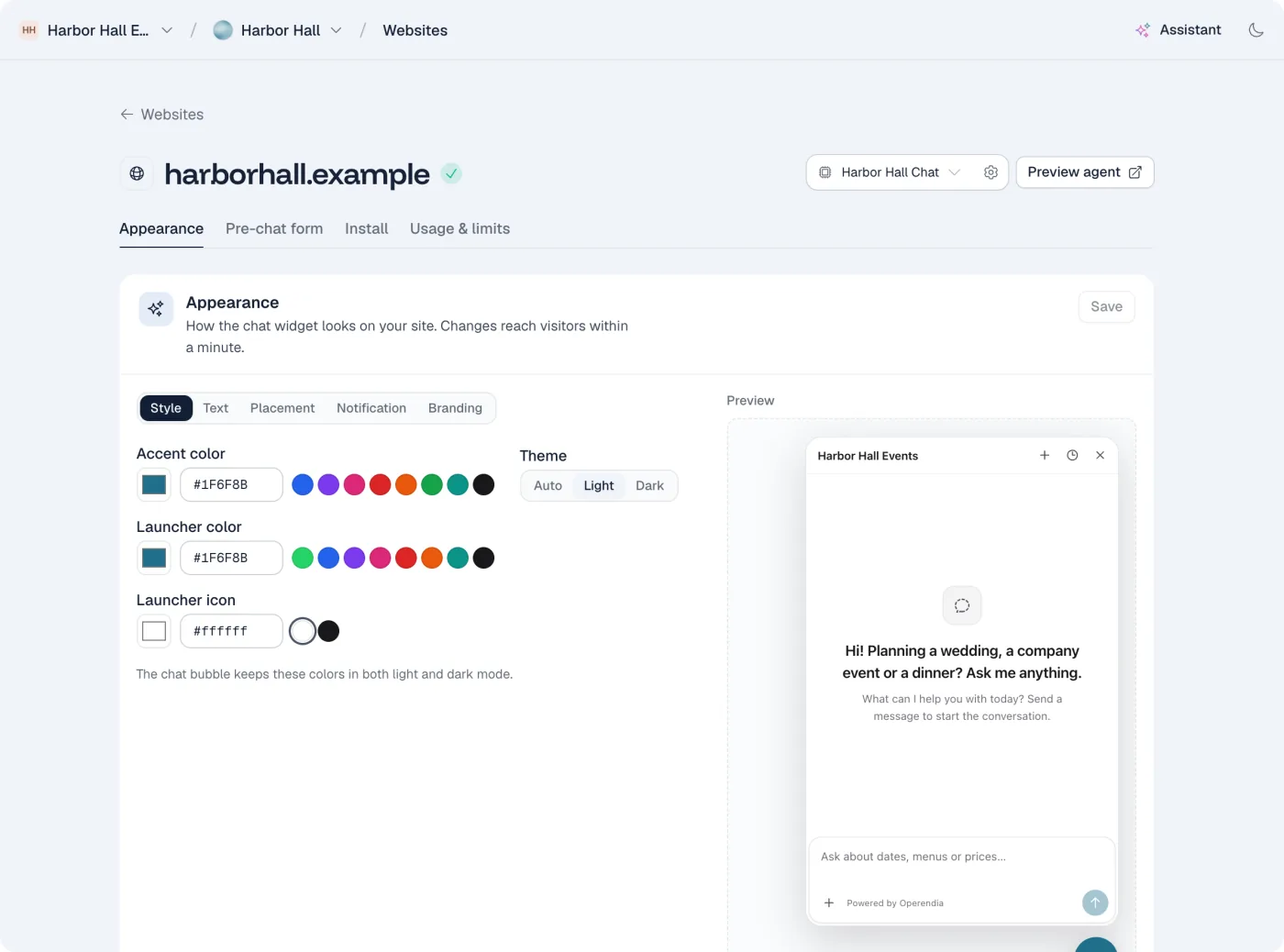
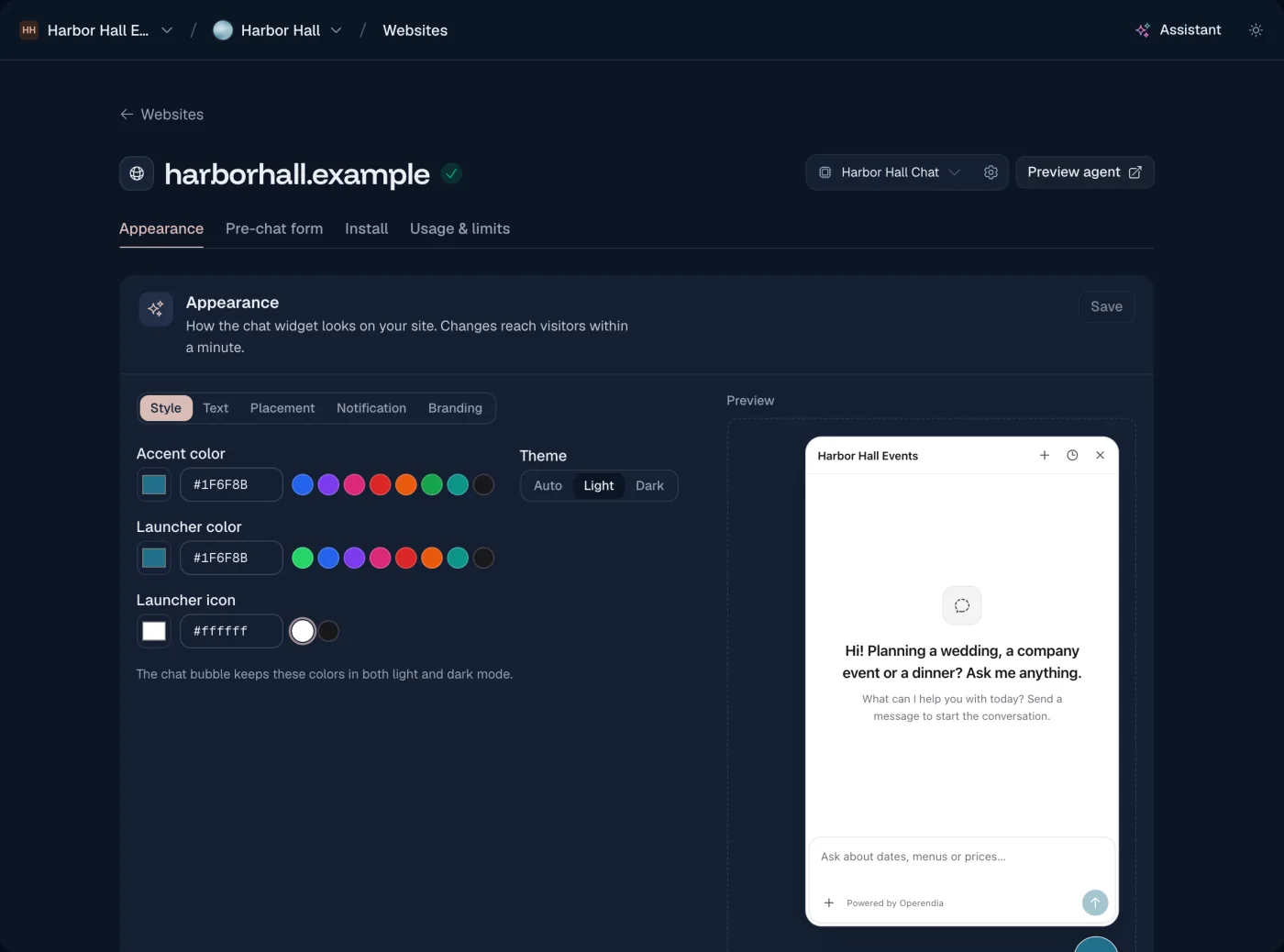
A question at 11 pm
What happens when a visitor writes after your team has gone home.
Step 1
A visitor asks
“Do you have room for 40 people on Saturday?” arrives through your website chat.
Step 2
The agent checks
It finds your capacity and booking rules and answers, with the source.
Step 3
It saves the lead
It asks for a name, an email and a date, and saves the lead as qualified.
Step 4
It books a meeting
It offers free times from your calendar. The visitor picks one.
Where it works
Where the Chat Agent works, and what it connects to.
- Website chat
- WhatsApp Business
- Google Calendar
- HubSpot
You stay in charge
Live takeover
Turn the AI off in any conversation and reply as yourself.
Safety checks
Every visitor message is screened for abuse. You can add your own rules.
Confirmation first
Connected tools that change or delete data ask for confirmation, and every call is logged.
Works with the other agents
All three agents share your knowledge, so they give the same answers.
Strategy, post planner and creative studio

Marketing Agent
Plans a month of social posts around your goals. It writes each post, makes an image in your brand style when you ask, and publishes what you approve.
Explore the Marketing AgentInbox triage and replies in your voice

Concierge Agent
Reads your Gmail and Instagram messages and sorts them. For each one that needs an answer, it writes a draft. You check it and send.
Explore the Concierge Agent
Questions about the Chat Agent
How do I add the chat to my website?
Copy one snippet from your dashboard and paste it into your site. It works with any website builder that lets you add code.
What if the agent doesn't know the answer?
It's built to answer from the knowledge you add. When a question is outside it, your team can reply from the live console.
Can I see all conversations?
Yes. Every conversation is saved, with its status, its urgency and any lead it created.
Does it work with WhatsApp?
Yes, through the official WhatsApp Business platform. You connect your own number.
Which languages does it speak?
It replies in the language the visitor writes in, and changes language when the visitor does.
14-day free trial
Put the Chat Agent on your website
Every plan starts with a 14-day free trial. Cancel at any time.
Start free trial